Features

Everything Karbar does

Each part works on its own and even better together. Your plan decides which ones you get.

Point of sale

Fast counter sales, split payments, discounts, receipts by print or email, and returns.

  • Quick sale screen for the counter, with search and barcode
  • Cash, card and split payments, with change worked out
  • Discounts and coupons, with limits on who can give them
  • Receipts printed or emailed; returns and refunds
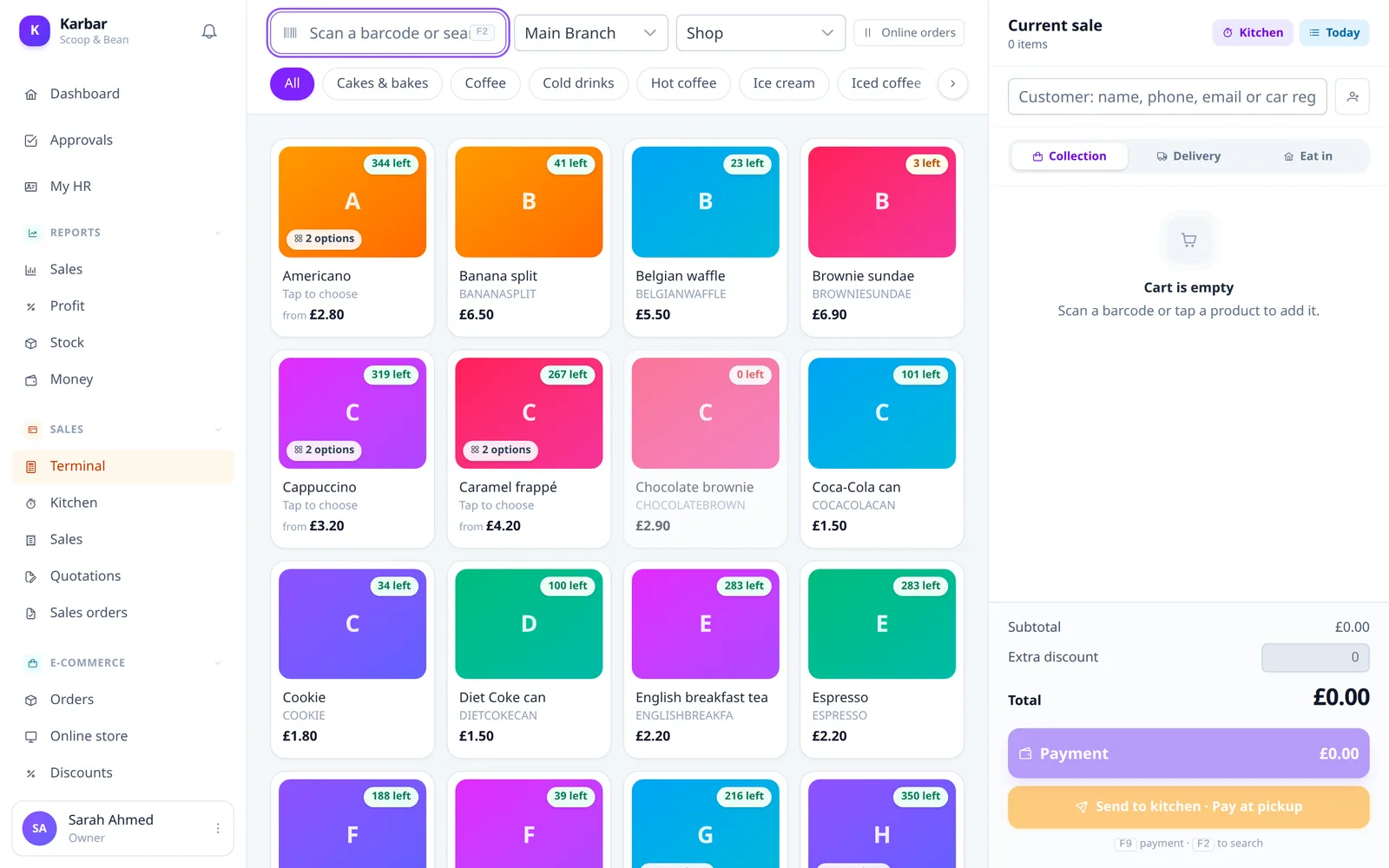
Point of sale

Demo data from “Scoop & Bean”, a sample café.
Stock & products

Variants, add-ons, warehouses, transfers between branches, low-stock alerts and CSV import.

  • Products with variants, add-ons and units (kg, litre, piece)
  • Stock per warehouse and branch, with transfers between them
  • Reorder points and low-stock alerts
  • Bring in products from a spreadsheet (CSV)

Online shop

Your own online store on your own domain, with ordering, checkout and order tracking.

  • Your own online shop on your own domain
  • Choose which branch sells what, and what is sold online
  • Checkout, coupons and order tracking for customers
  • Order emails in your own branding

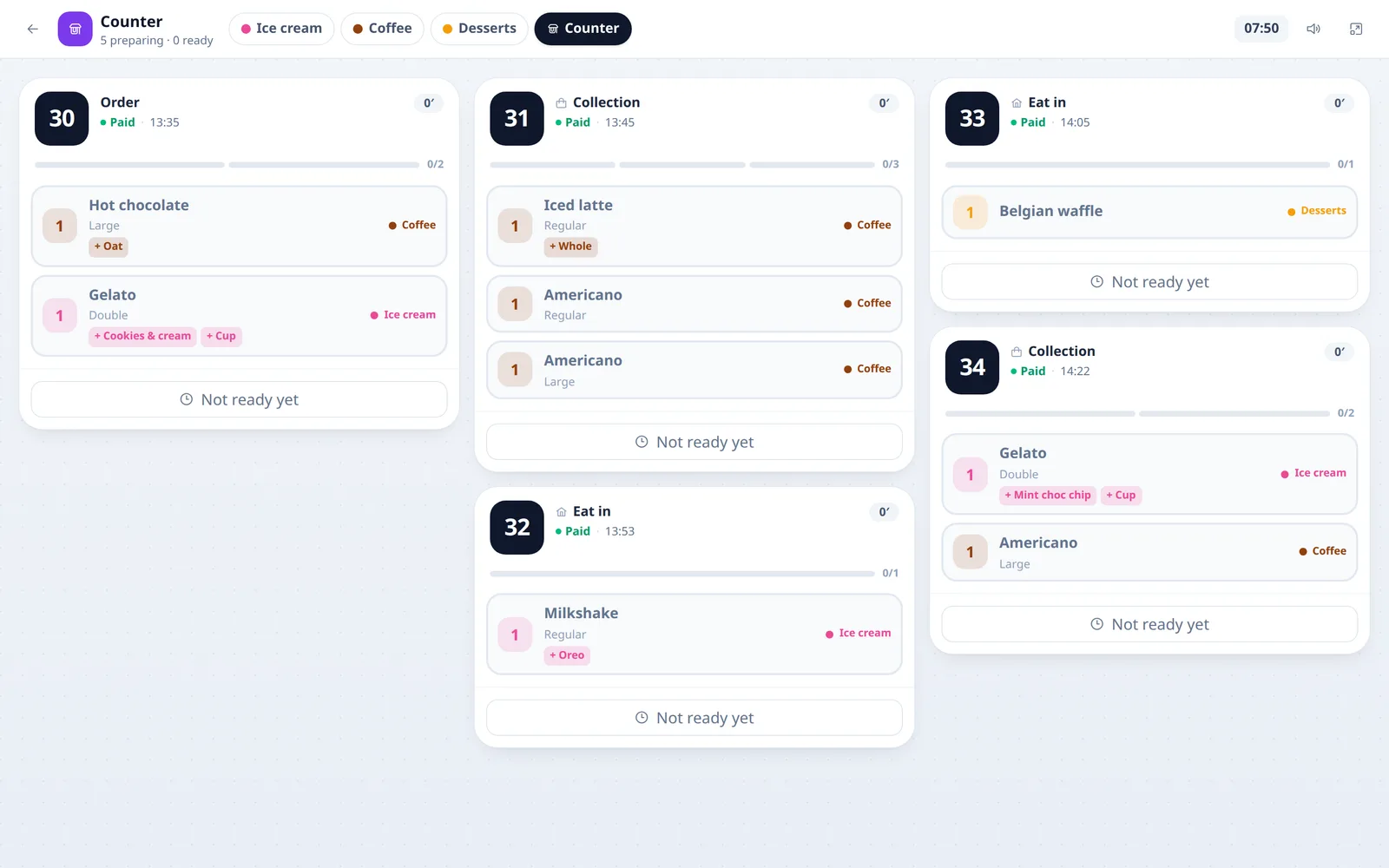
Kitchen display

Orders from the counter and online land on the kitchen screen, ready to prepare and serve.

  • Counter and online orders on one kitchen screen
  • Mark items as preparing, ready and served
  • Changes to an order show up right away
Kitchen display

Demo data from “Scoop & Bean”, a sample café.
Purchasing

Suppliers, purchase orders, receiving stock and paying suppliers.

  • Suppliers and purchase orders
  • Receive stock in full or in part
  • Track what you owe and record payments

Accounts & VAT

Invoices, expenses, customer dues, money accounts, VAT and financial statements.

  • Invoices, quotations and sales orders
  • Expenses, money accounts and customer dues
  • VAT on sales and purchases
  • Profit and loss and balance sheet

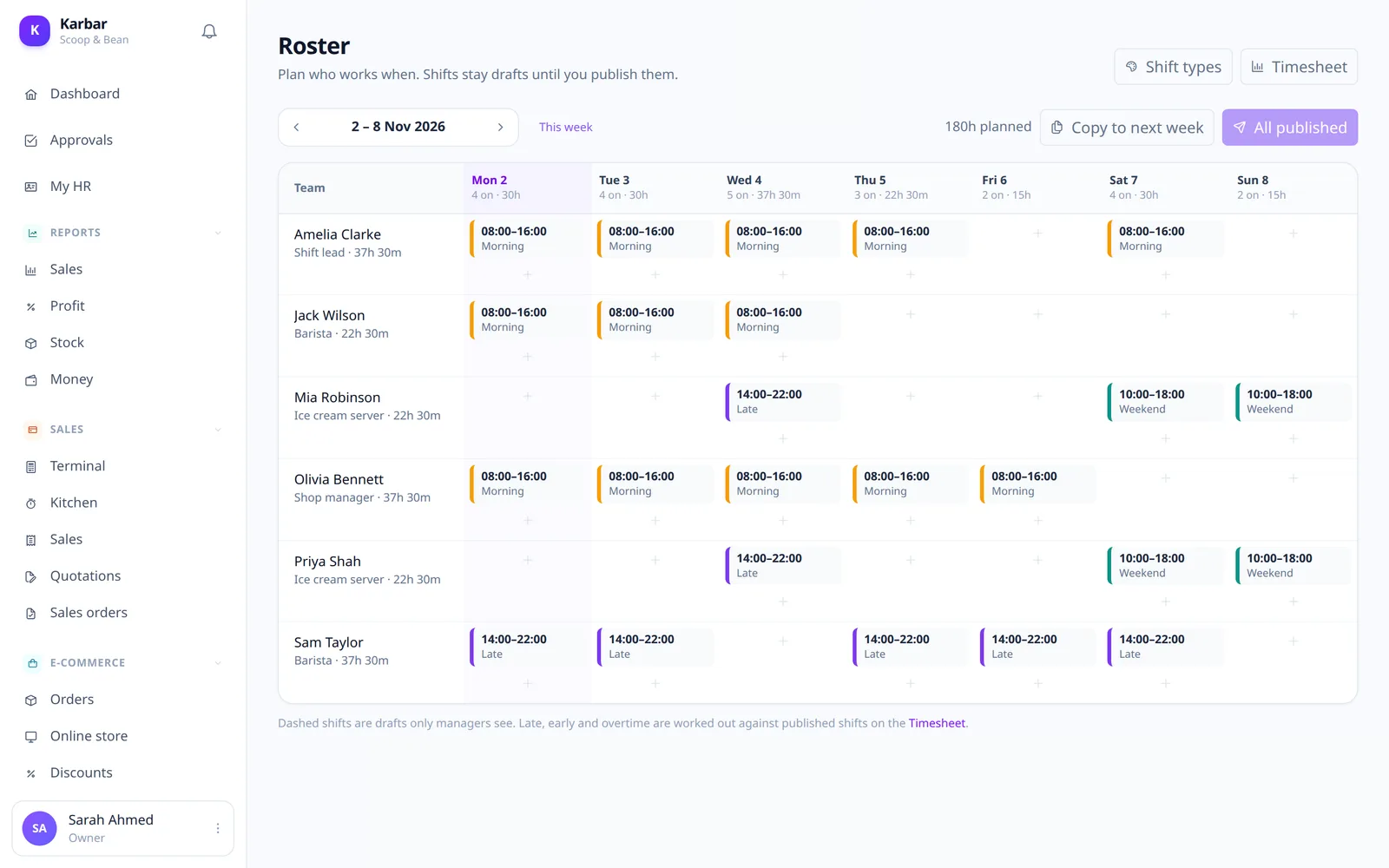
Staff & payroll

Rotas, clock-in, leave, pay rules and payroll, with a self-service page for staff.

  • Staff rotas and shifts
  • Clock in and out, with attendance
  • Leave allowances and requests
  • Pay rules and payroll; staff see their own pay and shifts
Staff & payroll

Demo data from “Scoop & Bean”, a sample café.
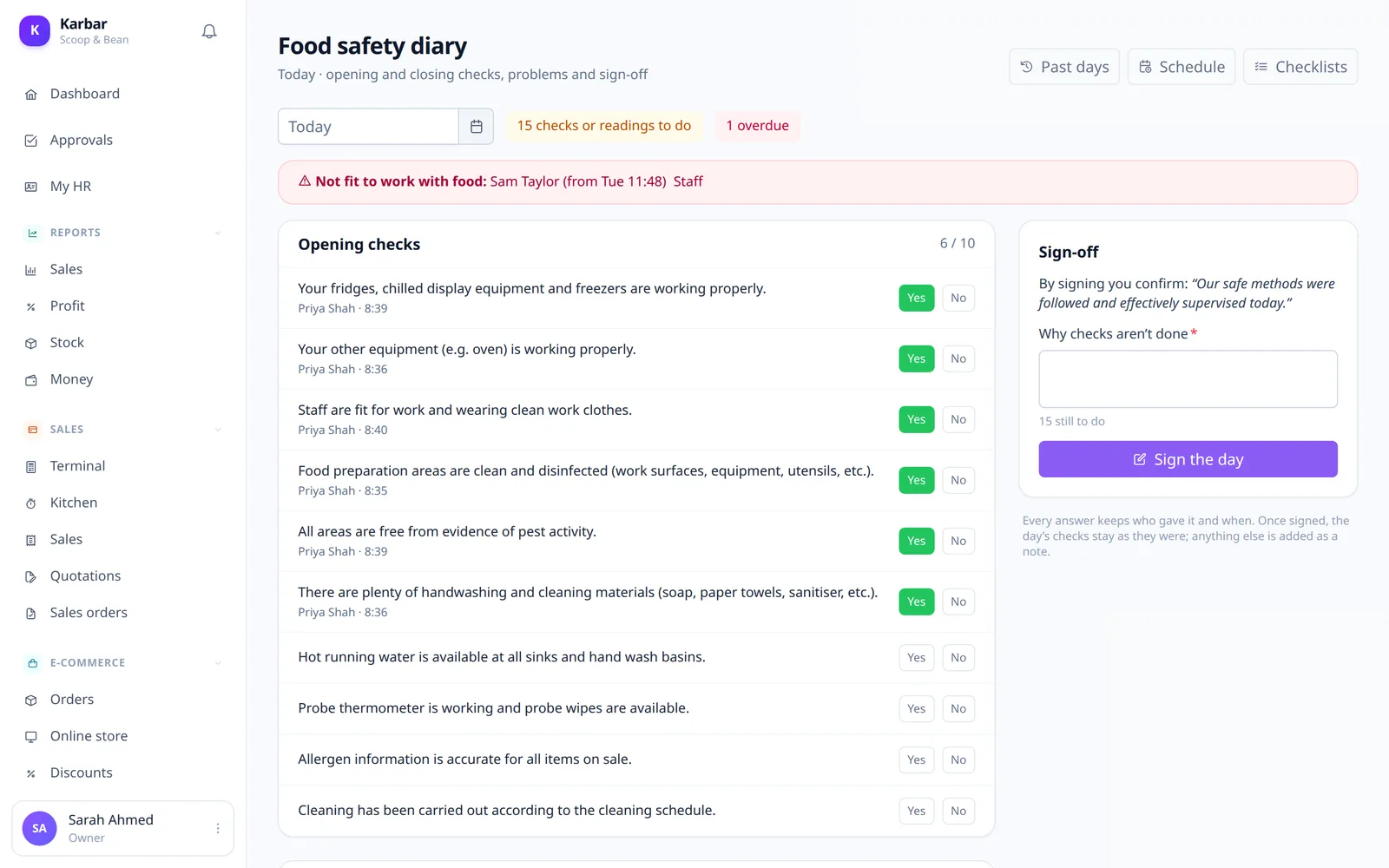
Food safety

Daily opening and closing checks and the food safety diary, signed off on a tablet.

  • Opening and closing checks every day
  • The food safety diary, with a sign-off
  • Made for a tablet in the kitchen
Food safety

Demo data from “Scoop & Bean”, a sample café.

Customers

Every customer, what they bought and what they owe.

  • Customer list with purchase history
  • What each customer owes
  • Find a customer quickly at the counter

See Karbar with your own business in mind

A short demo, no obligation. We will show you the parts that matter to you.

Book a free demo